Features / Approvals
Approve
The client approves in Somie, not in a long email
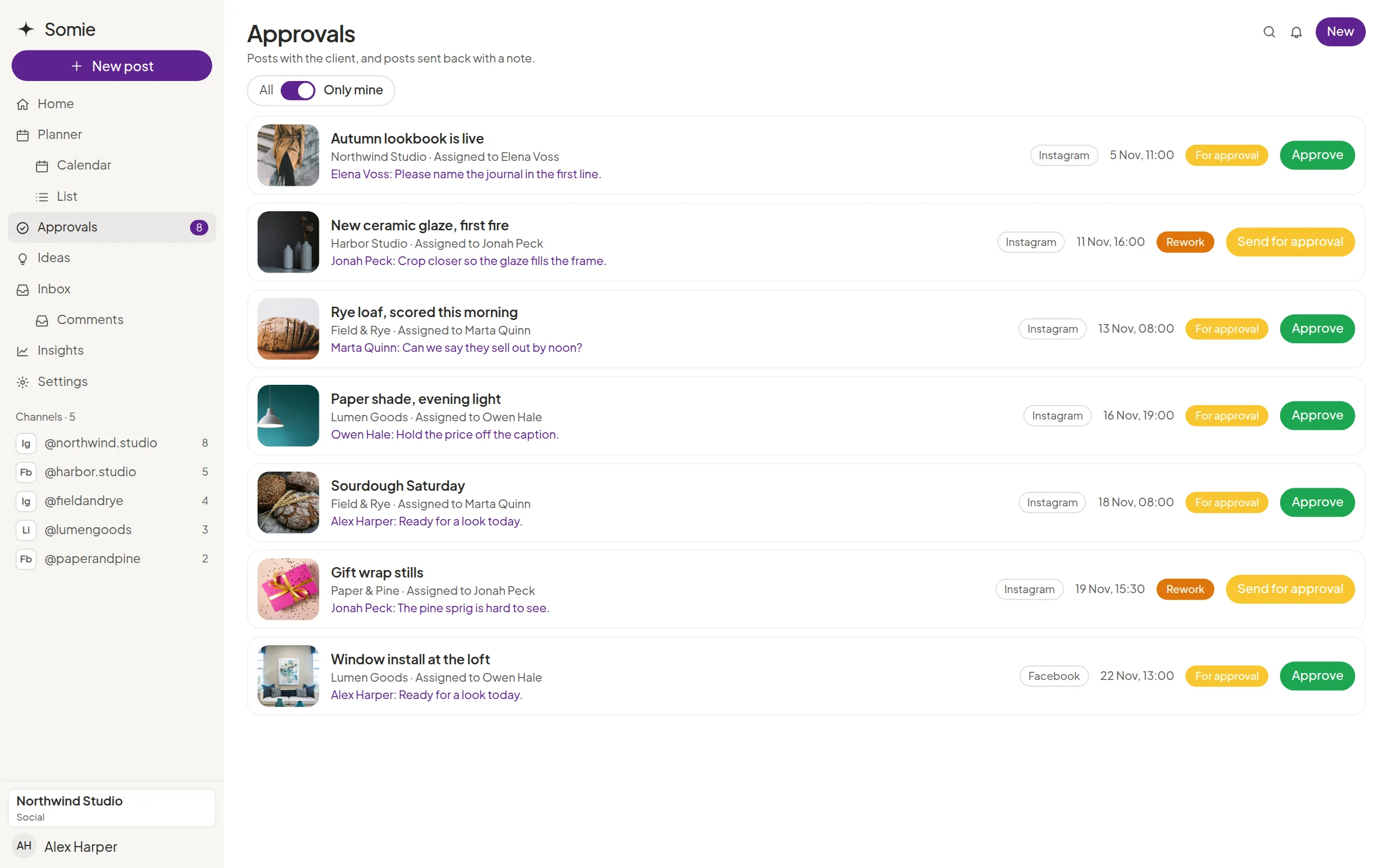
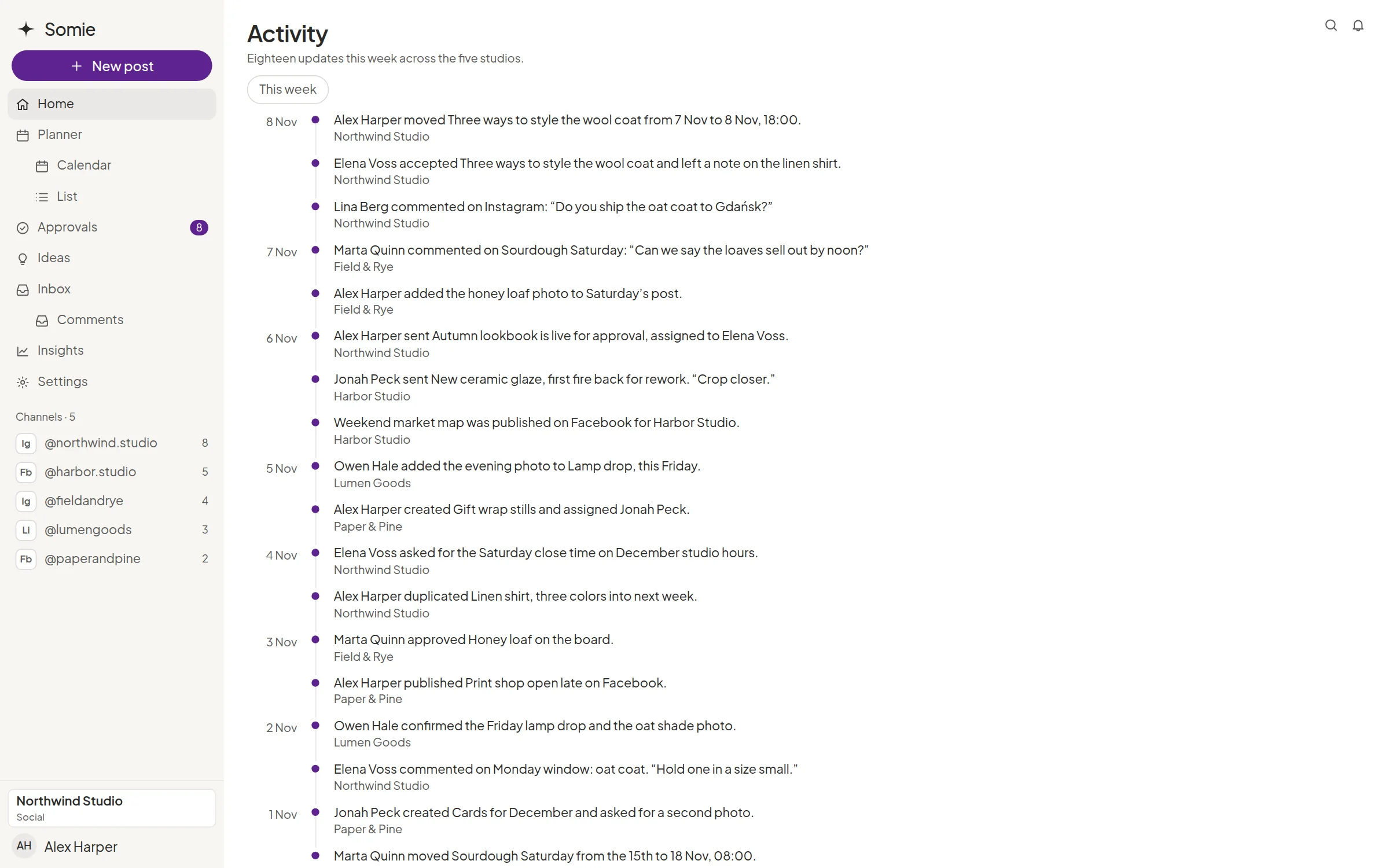
Approvals are a status on the post, a list of what is waiting, and a thread the client can actually answer. Roles stay simple: superadmin, admin, company employee, and client. Somie does not offer custom permission sets.


Five statuses, used as written
A post is a draft, for approval, accepted, rework, or published. On Facebook and Instagram, accepted work can be scheduled, and it publishes when that time arrives. Editing the caption, channel, or media after approval sends the post back for approval. Changing only the date does not.

A list of what is waiting
Posts that still need a decision sit on their own list, so Monday is not a search through the calendar.

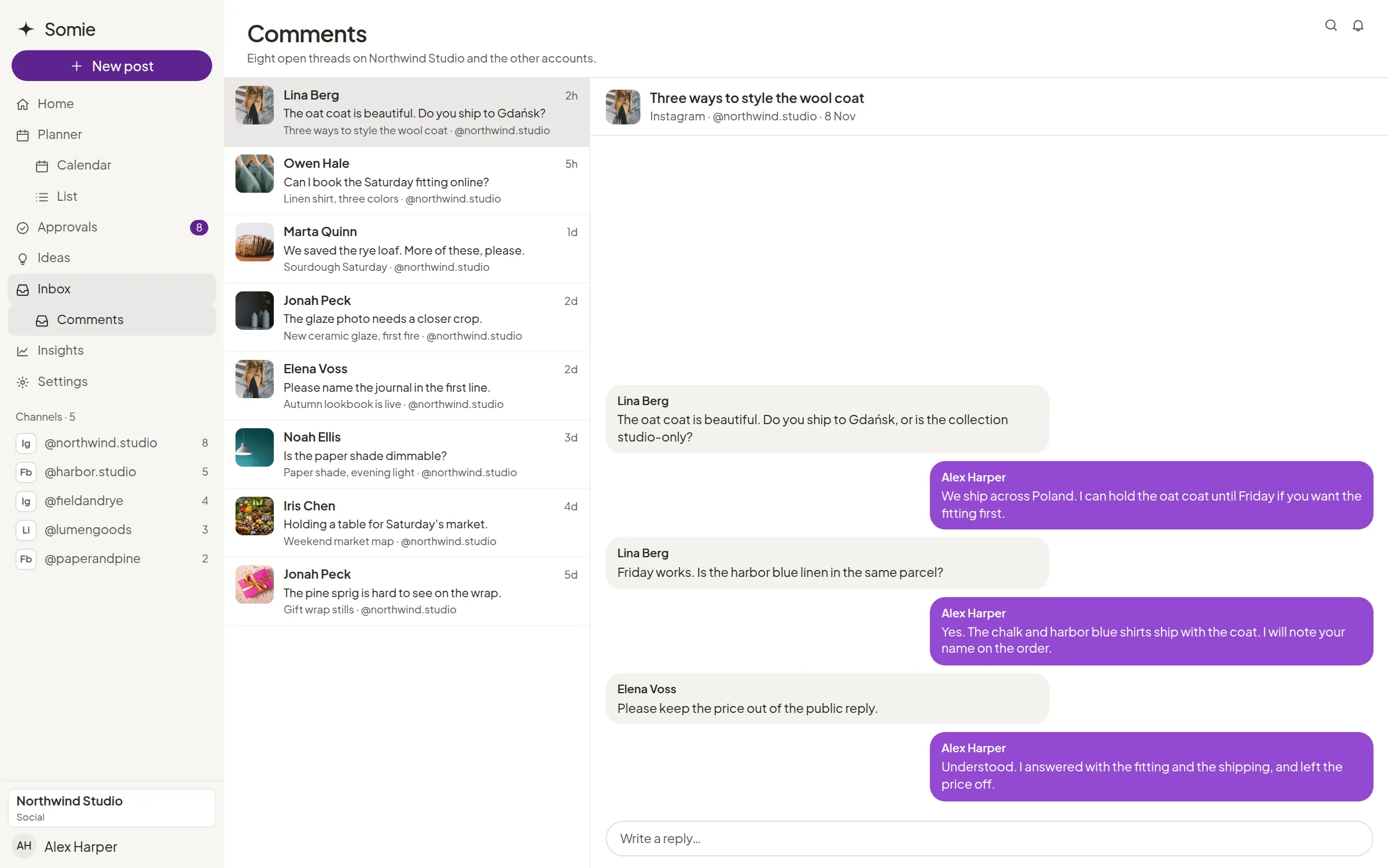
Comments, replies, and mentions
Comment on the post, reply in the thread, and @mention a teammate. The same comments exist on inspiration items.

Files on the thread
Attach a file to the comment when the note needs the logo, the crop, or the line the client wrote down.

What the client sees
A client invited into their space sees their posts. They comment, choose approve or request changes, and can change the date. They cannot see another client, and they do not get a custom role.
Explore more features



Questions about approvals
Can we build our own roles?
No. Somie has four fixed roles: superadmin, admin, company employee, and client. Invitations go out by email. There is no custom permission builder.
Can the client rewrite the caption themselves?
The client comments, attaches files, approves, requests changes, and can change the date. The team edits the post. Somie does not turn the client into an extra copywriter account.